
Disclosure: ExhibitView makes trial presentation software with live annotation, so we have a stake in this topic.
Marking up an exhibit while a witness explains it can make a point stick, or it can turn a clean document into a mess. This guide covers what real-time annotation is, where it happens in a courtroom, what courts say about saving it, what to look for in trial presentation software, and how to use it well.
Key takeaways
- Annotation can happen in two places. Many courtrooms have annotation monitors, and trial presentation software has its own markup tools. D. Minn. lists annotation on the lectern, witness and judge’s monitors, and N.D. Ohio lists it at the lectern, witness stand and bench.
- In N.D. Ohio’s description, annotation is an overlay on any source video input, so it can work with any laptop or software.
- Courts differ on saving it. Raleigh’s manual says the marked image saves and prints, while one E.D. Cal. courtroom says its annotation markings cannot be recorded or admitted as an exhibit. Ask before trial.
- ExhibitView’s Trial Presenter lists live drawing and zooming and keyboard shortcuts for the markup tools, and ExhibitView’s FAQ notes that Windows display scaling can affect where annotations land.
What is real-time annotation?
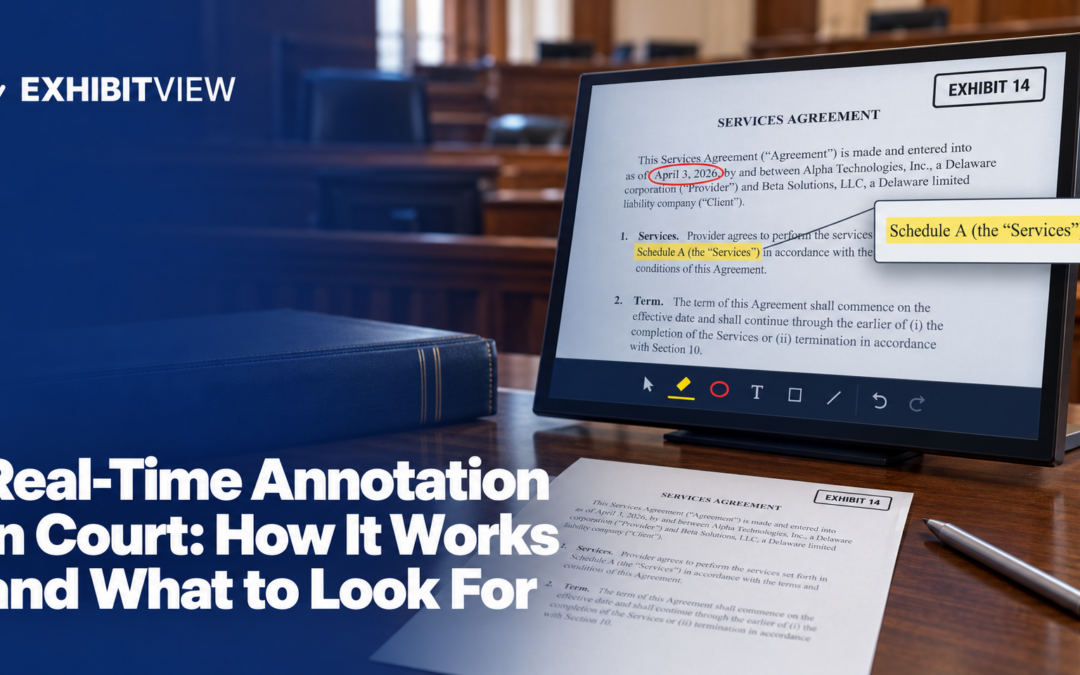
It is drawing or marking on an exhibit while it is on the courtroom screens: circling a line, underlining a phrase, drawing an arrow, zooming into a detail. D. Minn.’s technology manual lists the common tools as a drawing tool, a marker, an eraser, arrows, undo, redo and clear. N.D. Ohio’s guide says its video courtrooms are outfitted for telestration, the ability to draw on the screen to draw attention to a particular section of an exhibit.
Callouts and annotation are close cousins. A callout enlarges a passage in advance, and annotation marks it live. An ABA Litigation article describes trial technicians enlarging text and marking specific words so the trier of fact can follow along.
Where does annotation happen?
You have two options, and they behave differently:
|
The court’s annotation monitor |
Your software’s markup tools |
|
|---|---|---|
|
Where |
D. Minn.: lectern, witness and judge’s monitors. N.D. Ohio: lectern, witness stand and bench. N.D. Ill.’s district page: tablets for counsel at the lectern and for the witness |
On your laptop or device, shown through the courtroom’s input |
|
Works with |
N.D. Ohio: an overlay on any source video input |
The files and tools in your software |
|
Who can use it |
Counsel at the lectern, and in these courts the witness |
Whoever runs the software |
|
Clearing |
D. Minn.: a clear annotation button on the control panel |
Your software’s own clear control |
|
Watch for |
Two sets of markup can compete if both are on |
Where your marks land on the courtroom screens |
Judges and rooms differ, so ask the deputy which annotation tools your courtroom has.
What do courts say about saving annotations for the record?
This is where courts differ most, so ask early:
|
Court |
What it says |
|---|---|
|
E.D.N.C. (Raleigh manual, January 2025) |
A control-panel button captures the image with its annotations, saves it to the hard drive and prints it automatically, and you see the clerk for the printed copy |
|
Franklin County Court of Common Pleas (Ohio) |
Its mobile evidence cart lists touchscreen annotation with digital capture and save functionality |
|
D. Wyo. |
If you wish to admit your annotated image as an exhibit, you can ask for it to be printed in the courtroom |
|
D. Mass. (January 2021 virtual-trial handbook) |
If you want an annotation to be an official exhibit, the display system must let you save it in a format the court can access |
|
E.D. Cal., Judge Boone (November 2024) |
Its annotation system is for demonstrative purposes only, and its markings cannot be recorded or memorialized for the record or admitted as an exhibit |
|
N.D. Ohio, C.D. Cal., N.D. Ill. |
Not stated in the guide or pages checked |
A saved or printed image is a record of what was shown. It does not by itself make the image evidence.
What should you look for in software?
Check each item on your own files:
- Speed. Can you start marking without a menu hunt? ExhibitView’s Trial Presenter page lists keyboard shortcuts for the markup tools.
- Undo and clear. A mistake in front of a jury should take one action to fix.
- Zoom. Can you enlarge a detail and mark it without losing your place?
- Precision. Can you mark a single line of small print?
- Clean originals. Marking a copy should leave the original untouched.
- Side-by-side use. Can you mark one exhibit while another stays unmarked beside it?
- Saving. Can you save the annotated image if the court asks?
- Placement. ExhibitView’s FAQ says Windows display scaling and DPI settings can affect the positioning of annotations and callouts, so see where your marks land on the courtroom screens.
- Ease for a witness. If a witness will mark, test the tool with a non-expert.
ExhibitView’s Trial Presenter page lists live drawing and zooming and side-by-side display of exhibits, and the iTrial page lists live annotation on an iPad.
How does annotation fit with the record?
Annotation is a way of presenting, not evidence by itself. Rule 107 lets the court allow an illustrative aid to help the trier of fact understand the evidence or argument, says an illustrative aid is not evidence and must not go to the jury during deliberations unless all parties consent or the court orders it for good cause, and says that when practicable an illustrative aid used at trial must be entered into the record. The committee note says that if an aid is used at trial it must be marked as an exhibit and made part of the record, unless that is impracticable. Ask the court at the pretrial conference whether it wants annotated versions saved, who saves them, and in what form.
How do you use annotation well?
- Plan the important ones. The ABA article says working with a trial technician can help decide in advance which documents need callouts. Live drawing is for follow-ups, not for the key passage.
- Mark less than you think. The same article warns that busy graphics can be confusing and unhelpful.
- Say what you mark. For the record and the jury, describe it: “I’m circling paragraph three.”
- Clear before you move on. D. Minn.’s panel has a clear annotation button, and a lingering mark can mislead. Test what happens to your marks when you change the source.
- Rehearse with the equipment. N.D. Ohio’s guide suggests bringing your laptop in to test, and the ABA article says practice is the most important part of using technology at trial.
What mistakes should you avoid?
- Marking too much. Three circles on one page tell the jury nothing.
- Marking before admission. Judge Valderrama’s order says an exhibit that has not been admitted cannot be published to the jury. Ask before you mark anything on screen.
- Forgetting to clear. A mark from the last question can sit on the next exhibit.
- Handing a witness an untested tool. If the witness will mark, rehearse it first. For remote hearings, Maryland’s toolkit says you may ask the judge’s permission to circle or underline parts of a document you are presenting.
- Letting the marks disappear. Decide in advance how the important ones will be kept for the record.
What is the checklist?
- You know which annotation tools the courtroom has.
- You decided whether you will use the court’s tools, your software’s, or both.
- You tested undo, clear and zoom on your own exhibits.
- Key passages have prepared callouts.
- You asked how annotated images will be saved or printed, if at all.
- You rehearsed marking while talking.
- If a witness will mark, you tested that too.
Conclusion
Find out which annotation tools your courtroom has, decide whether you will use the court’s tools or your software’s, and ask whether annotated images can be saved for the record. Mark less than you think you should, clear before you move on, and rehearse with the equipment you will use.
About ExhibitView
ExhibitView makes trial presentation software for lawyers and paralegals, including Trial Presenter for showing exhibits and video in court and TranscriptPro for deposition transcripts. ExhibitView says its desktop products are designed for Windows, and iTrial is an iPad app for presenting. A short call can show whether it fits your cases.
Book a 15-minute call with Bill
Frequently Asked Questions
What is telestration in a courtroom?
N.D. Ohio’s guide uses the term for drawing on the screen to draw attention to part of an exhibit. It describes the annotation as an overlay on the evidence being presented, using any source video input.
Can a witness annotate an exhibit?
In some courtrooms. D. Minn. lists a witness monitor with annotation, and N.D. Ohio lists annotators at the witness stand. Ask whether your judge allows it.
Is an annotated exhibit evidence?
Not by itself. Under Rule 107, an illustrative aid is not evidence. The committee note says an aid used at trial must be marked as an exhibit and made part of the record unless impracticable. Ask your judge how annotations should be preserved.
How do you clear annotations?
It depends on the system. D. Minn.’s control panel has a clear annotation button, and trial software has its own clear controls. Practice with the one you will use.
Can you annotate an exhibit that has not been admitted?
Check the judge’s rules first. Judge Valderrama’s order says an exhibit that has not been admitted cannot be published to the jury. Treat annotation as part of showing the exhibit.
What if the annotation system fails?
Have a plan. The ABA article says a good trial technician will likely have backup systems and that counsel should be ready to switch to paper. Keep a paper copy of key pages and be ready to point to the passage in words.
Do you need software with annotation if the court has it?
Not necessarily. The court’s tools work on the sources you display. Software markup can be faster and can stay with your files, so decide which one you will use before trial and rehearse it.
Recent Comments