
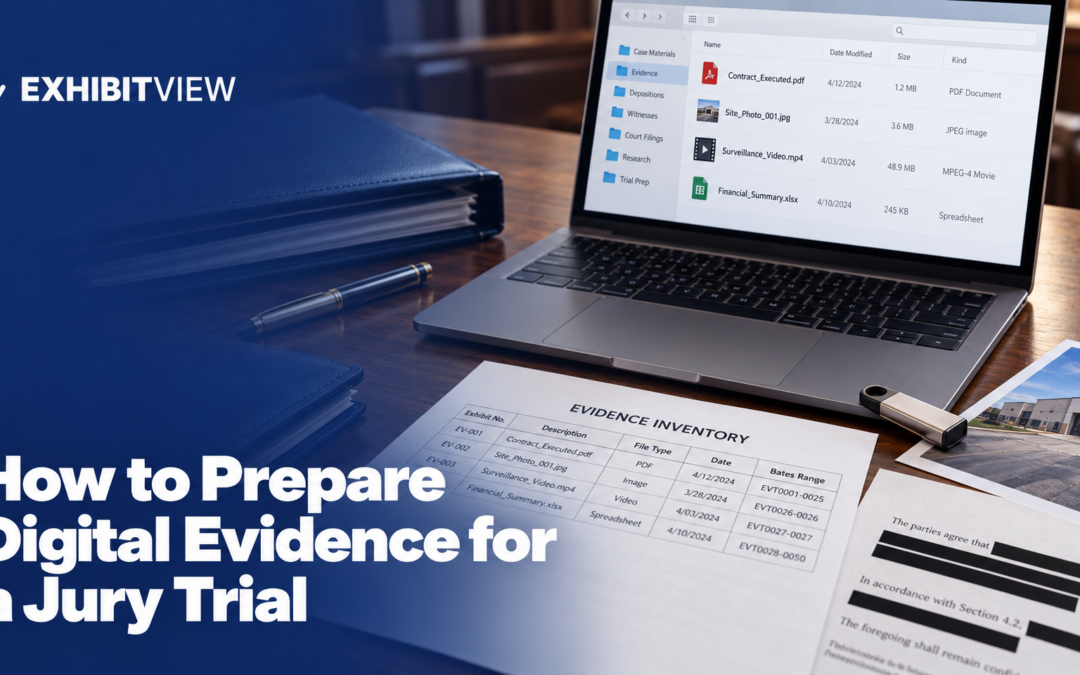
Digital evidence fails at trial for small reasons: a file that will not play, a message shown without its thread, a copy nobody can authenticate. This guide covers how electronic evidence is authenticated, how to prepare each type, what to check for private information, and how to test before the jury sees it.
Key takeaways
- Authentication and hearsay are separate hurdles. Rules 902(13) and (14) let you authenticate certain electronic records and copied data by certification, but the committee notes say a hearsay exception must be met independently.
- Certifications need advance notice. Rules 902(13) and (14) borrow the notice requirements of Rule 902(11), so the other side hears about them before trial.
- Match the court’s file requirements. Courts publish accepted file types and naming rules for the evidence they send to the jury room, and the lists differ.
- ExhibitView’s Trial Presenter lists a web browser, synchronized video depositions and live markup, and ExhibitView says its desktop products are designed for Windows.
What counts as digital evidence?
For trial, it is any exhibit that lives in a file: scanned and born-digital documents, photos, audio and video recordings, emails and text messages, spreadsheets and data exports. Each type has the same three jobs:
- Show it is what you say it is.
- Make it playable and readable in the courtroom.
- Keep out what should not be shown.
How do you authenticate electronic evidence?
You can authenticate with a witness, or in some cases with a certification. Rule 902 lists two electronic categories that are self-authenticating when supported by a qualified person’s certification:
|
Rule |
What it covers |
Notice |
|---|---|---|
|
902(13) |
A record generated by an electronic process or system that produces an accurate result |
The proponent must also meet the notice requirements of Rule 902(11) |
|
902(14) |
Data copied from an electronic device, storage medium or file, if authenticated by a process of digital identification |
The proponent also must meet the notice requirements of Rule 902(11) |
Rule 902(11) requires reasonable written notice of the intent to offer the record before the trial or hearing, and requires the proponent to make the record and certification available for inspection, so the other party has a fair opportunity to challenge them.
The 2017 committee notes add several points. The certification must contain information that would be sufficient to authenticate the item if a witness provided it at trial. For data copied from a device, the note explains that a hash value is a number produced by an algorithm based on the digital contents of a drive, medium or file. If the hash values for the original and copy match, it is highly improbable that they are not identical, and if they differ, the copy is not identical. The note says the rule is flexible enough to allow other reliable means of identification. It also says a challenge to electronic evidence may require technical information about the system or process, possibly a forensic expert, which affects whether the opponent has a fair opportunity to challenge the evidence given the notice. Give notice early.
Does authentication make it admissible?
No. The committee notes say Rules 902(13) and (14) are limited to authentication, and any attempt to satisfy a hearsay exception must be made independently. The examples help: a certification can show a webpage is authentic while the defendant remains free to object that the statement on it was not placed there by the defendant, and a certification authenticating a spreadsheet establishes only that the output came from the computer, not that the information is reliable.
For records of a regularly conducted activity, Rule 803(6) covers a record of an act, event, condition, opinion or diagnosis. A 2017 committee note, written for the ancient-documents exception in Rule 803(16), says Rule 803(6) may be used for many electronic documents, given its flexible standards on which witnesses can provide a foundation. For summaries of large data sets, see Rule 1006.
How do you prepare each type of file?
Work from copies and keep the originals untouched. Then prepare by type:
- Photos. Keep the original file, export a courtroom copy, and note the date, photographer and subject for the foundation witness.
- Audio and video. Confirm the file plays on the courtroom equipment, cut clips to what you will use, and keep a transcript of what is said.
- Emails and messages. Show the whole thread or message string, not just one line, since Rule 106 lets the other side require that any other part that in fairness ought to be considered at the same time be introduced, even over a hearsay objection.
- Spreadsheets and databases. Keep the native file for your expert. Courts that send exhibits to the jury room may need a PDF. Judge Valderrama’s order says its jury evidence system does not accept .xls files, so spreadsheets must be submitted as PDFs.
- Scanned pages. Run OCR so the pages can be searched.
Courts publish the file types they accept, and the lists differ. Judge Valderrama’s list covers .pdf and .jpg for documents and photos, and .avi, .wmv, .mpg, .mp3, .wma and .wav for audio and video, with no .mp4. D. Or.’s JERS page lists .mp4 among its audio and video formats, and E.D.N.C.’s Raleigh manual lists .mpg4. Check your court’s list before you convert anything.
How do you protect private information?
Look at what each file contains before it reaches a screen or a filing. Rule 5.2 says that, unless the court orders otherwise, a filing may include only the last four digits of a Social Security or taxpayer identification number, the year of a birth date, a minor’s initials and the last four digits of a financial account number. Check whether your exhibits will be filed, whether a protective order applies, and whether metadata, hidden text or earlier versions travel with the file.
How do you test playback before trial?
The court expects the technology to work. Judge Valderrama’s order says the court expects parties to have tested the courtroom technology and will not allow delays caused by technical issues. N.D. Ohio’s guide for litigants suggests bringing your laptop in to test all connections and settings, and advises checking the volume on both your laptop and the courtroom panel. A short test plan:
- Play every audio and video file through the courtroom’s inputs.
- Open every document and photo and check that it is readable on the jury monitors.
- Check for stray sounds, pop-ups and update prompts on your laptop.
- Try the file on a second device in case the first fails.
- Keep a backup copy on a separate drive, as N.D. Ohio’s guide recommends.
Where does software fit?
You can run digital evidence from folders and a media player. Trial software helps when you want documents, markup and video in one place. ExhibitView’s Trial Presenter lists a web browser, synchronized video depositions and live markup, and PDF+ lists OCR and search. ExhibitView says its desktop products are designed for Windows.
What is the checklist for digital evidence?
- Every electronic exhibit has an authentication plan: a witness or a certification with notice.
- Hearsay has its own plan for each exhibit.
- Originals are untouched, and courtroom copies are exported.
- Files match the court’s accepted types and naming rules.
- Messages are shown with their thread.
- Private information is redacted, and metadata is checked.
- Every audio and video file has been played through the courtroom’s inputs.
- A backup copy is on a separate drive.
Conclusion
Give every electronic exhibit its own authentication plan and its own hearsay plan, and send any certification notice early. Prepare working copies in the file types your court accepts, redact private information, and play every file through the courtroom’s inputs before the jury sees it.
About ExhibitView
ExhibitView makes trial presentation software for lawyers and paralegals, including Trial Presenter for showing exhibits and video in court and PDF+ for preparing documents. ExhibitView says its desktop products are designed for Windows, and iTrial is an iPad app for presenting. A short call can show whether it fits your cases.
Book a 15-minute call with Bill
Frequently Asked Questions
Can you authenticate electronic evidence without a witness?
In some cases. Rule 902(13) and (14) allow certified records generated by an electronic process or system and certified data copied from an electronic device, storage medium or file, with notice under Rule 902(11).
What is a hash value?
The 2017 committee note says it is a number produced by an algorithm based on the digital contents of a drive, medium or file. If the values for an original and a copy match, it is highly improbable that they are not identical.
Does a certification make the evidence admissible?
No. The committee notes say a certification is limited to authentication, and the opponent may still object on other grounds, including hearsay and reliability.
Do you give notice of a certification?
Yes. Rules 902(13) and (14) require the proponent to meet the notice requirements of Rule 902(11), which means reasonable written notice before trial and making the record and certification available for inspection.
Should spreadsheets be converted to PDF?
It depends on the court. Judge Valderrama’s order says its jury evidence system does not accept .xls files and that spreadsheets must be submitted as PDFs. Keep a native copy for your own use.
Do all courts accept the same video formats?
No. Judge Valderrama’s list has no .mp4, while D. Or.’s JERS page lists .mp4, so check your court’s list before you convert a clip.
Recent Comments