
Last updated October 28, 2026. Courts differ, so the applicable court’s current rules and the judge’s orders control.
A video that won’t play in front of a jury costs you the moment you planned around: the impeaching clip, the surveillance footage, the deposition admission. Most failures come from a missing foundation or a file the courtroom’s equipment can’t play, and both are cheaper to fix a week out than in front of a jury. This guide covers the foundation, the file, the courtroom’s gear, deposition video and the zoom.
Key takeaways
- Video raises three separate questions: can it be admitted, can the courtroom play it, and can jurors see it again in deliberations. Answer each one before trial.
- Foundation usually comes from a witness with knowledge that the video is what it’s claimed to be, or from evidence about the process or system that produced it. Neither route guarantees admissibility.
- Courts publish their own equipment and deadline rules, for example a technology walkthrough recommended at least 48 hours ahead in S.D.N.Y. Check the judge’s order and test on the real equipment.
- ExhibitView Trial Presenter plays video exhibits and synchronized video depositions, with bookmarks for jumping to testimony on the fly. TranscriptPro handles the sync.
How do you get video admitted?
Video is an exhibit and needs a foundation. Federal Rule of Evidence 901(a) requires evidence “sufficient to support a finding that the item is what the proponent claims it is.” Two common routes:
- A witness with knowledge. Under Rule 901(b)(1), a witness testifies that the video is what it’s claimed to be, for example that it fairly shows a scene they saw. This fits phone footage and events a witness observed.
- A process or system. Under Rule 901(b)(9), evidence describing a process or system and showing that it produces an accurate result. This fits automated surveillance where no one watched the event, and involves how the camera operates, how footage is recorded, stored and extracted.
Neither route settles admissibility. Relevance, unfair prejudice, hearsay and objections to editing can still arise. State law varies, so check your jurisdiction and the judge’s pretrial order. Lay the foundation before the jury sees anything. If the clip plays first and the foundation isn’t there, you have two problems: the objection and a jury that has already seen it.
Where do you find your court’s video requirements?
Check, in this order:
- The judge’s standing order or trial procedures, for deposition designation deadlines and edited-video rules.
- The court’s technology page, for what the courtroom’s system plays, which adapters you must bring and how to book a test.
- The scheduling or pretrial order in your case.
- The courtroom deputy, who can tell you what’s installed and when you can test it.
Write down each deadline next to the court’s name, the way you would for exhibits. Our guide to organizing exhibits for a complex trial has a requirements sheet you can copy.
What will the courtroom actually play?
Courts publish their own technology details, and they differ. Examples from each court’s published information. Confirm the current version before relying on them.
|
Court |
What it publishes |
Formats accepted (published) |
Testing or notice |
|---|---|---|---|
|
HDMI or VGA in all district courtrooms; counsel brings adapters. Magistrate courtrooms require prior chamber approval. |
Not published |
48-hour walkthrough recommended; contact Courtroom Technology. |
|
|
Blu-ray/DVD, HDMI and VGA (two of each); annotation touchscreens; monitors for all parties. Counsel supplies adapters. |
Not published |
Test beforehand; no fixed lead time stated. |
|
|
HDMI in all district judge courtrooms; VGA at presenter cart only. Counsel supplies adapters. |
Not published |
Testing strongly recommended; contact chambers to arrange. |
The District of Connecticut’s JERS page lists accepted formats for its jury evidence system as: .avi, .wmv, .mpg, .mp4, .wma, .wav, .3gpp (video and audio). That list covers JERS submissions for jury deliberations only, and the presiding judge determines whether JERS is used at all.
So “does the file work” is actually three questions: can it be admitted, can this courtroom’s system play it, and can the jury open it in the jury room. They aren’t interchangeable. Whether exhibits, including video, go to the jury room depends on the court; ask the courtroom deputy. The District of Connecticut’s Jury Evidence Recording System (JERS) is one example of a court-run system that lets jurors review admitted video during deliberations.
How do you prepare the file?
- Keep the original untouched. Work on copies. If anyone asks what the evidence looked like when it came in, you can answer.
- Convert to a common format your courtroom’s system accepts. MP4 plays on many systems, but confirm with the court, since no national standard exists.
- Write down timestamps. “The relevant part starts at 4:12 and ends at 4:58” saves you from scrubbing a slider in front of a jury.
- Check the clock. Time stamps burned into surveillance or body-camera footage can be off. Note any mismatch with your timeline and have a witness ready to explain it.
- Test on the real equipment, at the courtroom’s sound level, brightness and distance.
How does deposition video work at trial?
Deposition video has its own rules. Under Rule 26(a)(3)(A)(ii), a party must disclose the deposition testimony it expects to use at trial. Rule 32(c) says the offering party must provide a transcript, and in a jury trial testimony offered for purposes other than impeachment must be presented in nontranscript form, if available, unless the court orders otherwise for good cause. Local orders add deadlines and rules for edited video, and they differ by judge.
How do you cut a clip without inviting a fight?
Cut at natural stopping points and avoid clipping mid-sentence to make a witness sound worse. Under Rule 106, when you introduce part of a recorded statement, the adverse party may require you to introduce another part that in fairness should be considered at the same time.
How do you zoom and pace without losing the jury?
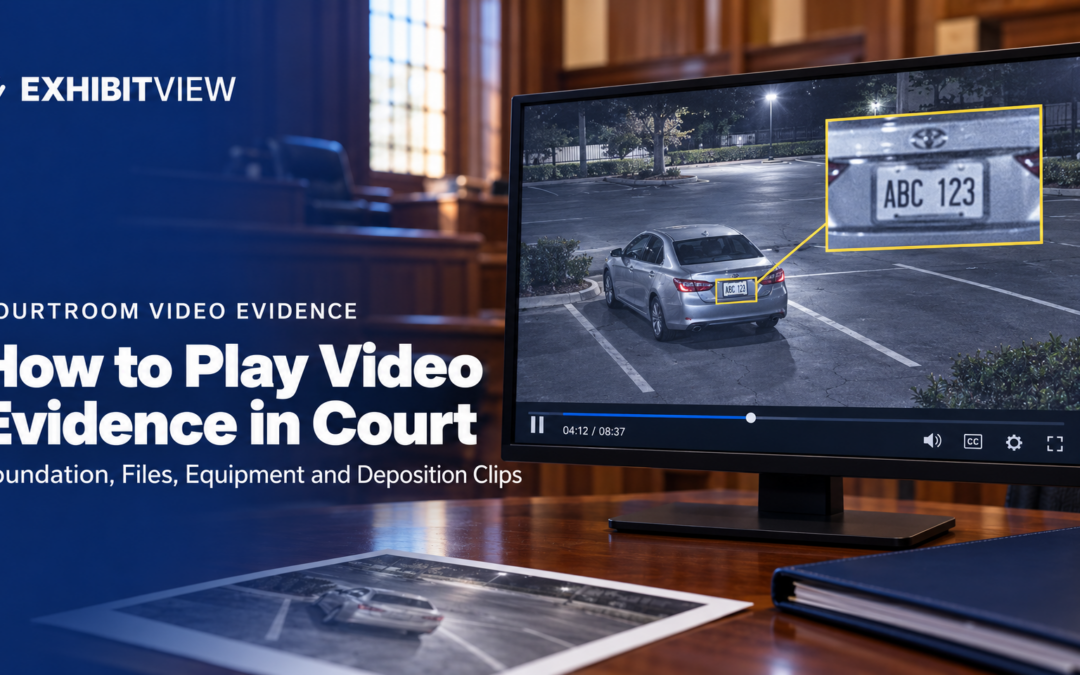
The zoom is the part that goes wrong. If you need to draw the jury’s eye to a license plate or a hand, plan it:
- Pause on a clean frame before you zoom.
- Zoom once, then hold for a few seconds. A shaky zoom reads as hiding something.
- Keep a still-frame copy of the key moment, marked as an exhibit if the judge allows, in case the clip is hard to see.
- Practice the zoom in the courtroom’s lighting.
Don’t play the whole video unless you must. Pick the two or three segments that carry your point, set each up with one sentence or question, and play it.
What is the pre-trial video checklist?
Run through this in the week before trial, not the night before.
- Identify your foundation witness or the process-or-system evidence for each video.
- Keep the original untouched and work from a copy.
- Read the court’s technology page and the judge’s order for formats, adapters and test deadlines.
- Book a walkthrough in the courtroom and test sound, brightness and cables.
- For deposition video, check designation and counter-designation deadlines, then cut the final clips.
- Write down start and end timestamps for every clip.
- Rehearse the zoom and the pause with the person who will run the laptop.
- Add each video to the master list.
- Bring a backup copy and a second computer.
If you only have time for one step, play each clip from start to finish on the courtroom’s equipment with the person who will run it. Everything else on this list supports that run-through.
Conclusion
A video that plays cleanly comes from three checks done early: a foundation witness lined up, a file the courtroom’s system can play, and a full run-through on the real equipment with the person who will operate it. Do those a week out and the day itself is routine.
Frequently Asked Questions
How do you authenticate video evidence?
The route matters for your witness prep. A witness-with-knowledge foundation under 901(b)(1) requires someone who observed the event or scene. A process-or-system foundation under 901(b)(9) requires someone who can explain how the camera recorded, stored and produced the footage, typically a custodian or technician. Pick the wrong witness and the foundation can fail even if the video is genuine.
What video format works best in court?
No national standard exists. MP4 plays on many systems. The pages we reviewed for S.D.N.Y., D. Oregon and N.D. Ohio don’t list accepted formats for live playback. The District of Connecticut’s JERS page lists .avi, .wmv, .mpg, .mp4, .wma, .wav and .3gpp, and that list covers JERS submissions for jury deliberations only.
The practical rule: keep the original untouched, convert to MP4 for working copies, confirm with the courtroom deputy, and test on the actual equipment before trial day.
How far ahead should I test video equipment?
It varies. S.D.N.Y. recommends a technology walkthrough at least 48 hours before the proceeding, while D. Oregon and N.D. Ohio recommend testing without a fixed lead time. Ask the courtroom deputy and book it early. Courts differ.
Can I show only part of a video?
Yes, but the other side may require the rest if it should be considered at the same time under Rule 106. For deposition video, local orders may require designations and edited copies in advance, so check them.
Does a video deposition need a transcript?
Under Federal Rule 32(c), the party offering deposition testimony must provide a transcript of it, and the video is presented on request in a jury trial if available. Local orders add requirements, so check the judge’s.
How do I zoom in on a video for the jury?
Pause on a clean frame, zoom once and hold. Plan the zoom ahead and rehearse it in the courtroom’s lighting.
Does ExhibitView play video evidence?
ExhibitView’s Trial Presenter page says users can “Load full synchronized video depositions” and “Bookmark or impeach on the fly”. Synchronizing deposition video is done in TranscriptPro, a separate product, and ExhibitView’s tutorials list a “How To Synchronize” video.
About ExhibitView
ExhibitView makes trial presentation software for lawyers and paralegals, built so one person can run exhibits, deposition clips and live markup from a single laptop, without a technician. Trial Presenter presents video exhibits and synchronized video depositions, and TranscriptPro handles transcripts, bookmarks and synchronization. A 15-minute call with Bill shows how a clip plays, pauses and zooms, using a real file of your own.
Recent Comments