
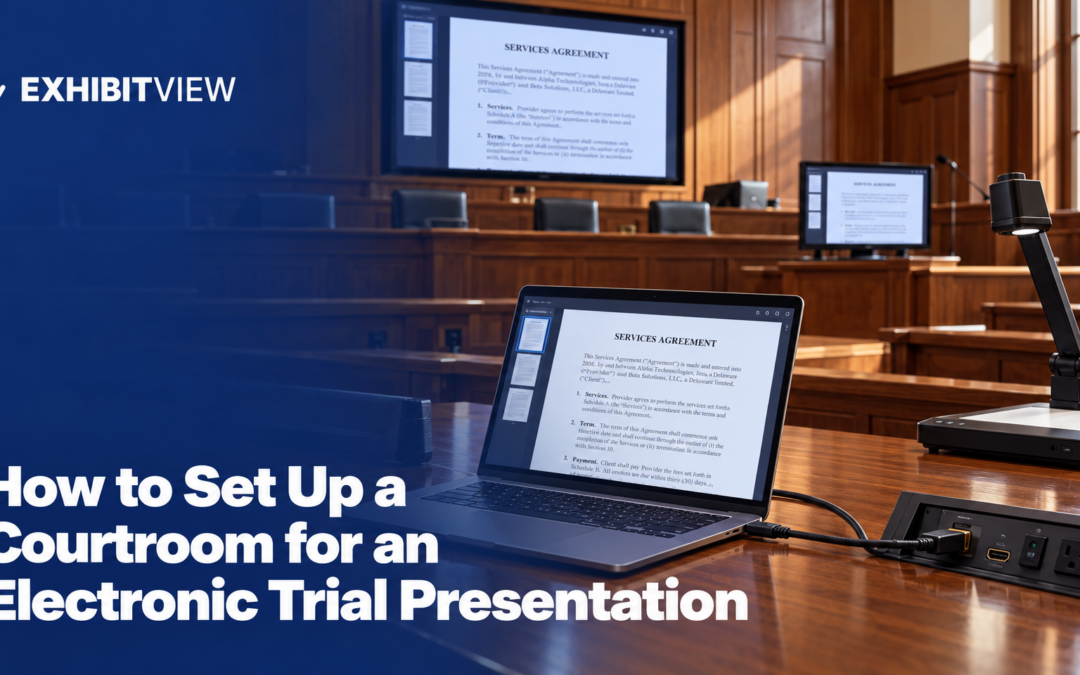
Electronic courtrooms share a few core pieces, but the details change from room to room, even inside one court. This guide covers what the room usually includes, how an exhibit reaches the screens, what to bring, and how to plan your layout.
Key takeaways
- Learn the room before you plan the presentation. Courts publish technology guides, and rooms in one court can differ: C.D. Cal. lists HDMI and VGA at its Roybal courtroom and USB-C and HDMI at its Mendez courtroom.
- The court’s system usually controls what each screen shows. In one Chicago federal courtroom (N.D. Ill. Judge Valderrama), the counsel-table, witness and jury monitors have separate controls.
- Bring your own adapters and a backup. D. Minn. says you provide adapters and converters, and N.D. Ohio suggests a backup laptop or disk.
- ExhibitView’s Trial Presenter lists side-by-side display and live markup, and ExhibitView says its desktop products are designed for Windows. Confirm the connection details with the court.
What does an electronic courtroom usually include?
Three published examples give a sense of the range:
|
Feature |
D. Minn. (Minneapolis 12W and 15) |
N.D. Ohio |
N.D. Ill. (district page and Judge Valderrama’s order) |
|---|---|---|---|
|
Inputs |
Lectern and each of four counsel tables: HDMI, VGA with separate audio, mini-DisplayPort, power |
HDMI at counsel tables and the lectern, and one VGA connection at the lectern |
HDMI and VGA at the lectern and each counsel table, with cables provided by the court |
|
Control |
Touch panel at the lectern publishes a source to the evidence monitors |
Touch panels control the room’s electronics |
Separate controls for counsel-table, witness and jury monitors |
|
Annotation |
Lectern, witness and judge’s monitors |
Generally at the lectern, witness stand and bench |
Multicolor annotation from any source, with tablets for counsel at the lectern and for the witness |
|
Jury display |
Eight flat screens in the jury box |
LCD displays for jurors |
The court turns the jury monitors on after publication is allowed |
Details come from each court’s published documents, which are listed in the editor notes. D. Minn.’s manual was last revised in 2019, and N.D. Ill.’s district page describes its equipment as present in nearly every courtroom, not in a specific room. Rooms in the same building can differ, so ask the deputy about yours.
Rooms differ inside one court, too. C.D. Cal.’s technology page lists HDMI and VGA with a 3.5mm audio input at its Roybal courtroom, and USB-C and HDMI at its Mendez courtroom. The same page says the document camera is a visual presenter and cannot play audio. For a state-court example, Franklin County Court of Common Pleas (Ohio) lists HDMI at the attorney tables and the evidence cart, expects counsel to provide a laptop, and describes touchscreen annotation with digital capture and save. Its guides show no date, so confirm with the court.
Audio matters as much as video. D. Minn. places microphones at the bench, podium, evidence cart, witness stand and counsel tables, and requires participants to speak into them so the court reporter can make the record. N.D. Ohio notes that courtroom audio is a single monaural signal, so stereo audio is heard as mono.
How does an exhibit reach the screens?
You select a source, and the court’s system sends it out. In D. Minn., the lectern touch panel offers lectern sources, a DVD player, the document camera and counsel-table sources. The panel also has volume, mute, a clear-annotation button and a clear-evidence button that blanks the evidence monitors. The document camera has a freeze button, so you can swap the paper under the lens without the screens changing.
Control can also sit with the judge. In one N.D. Ill. courtroom, the display technology has separate controls for the counsel-table monitors, the witness monitor and the jury monitors, and the court turns the jury monitors on after publication is allowed (Judge Valderrama’s order).
What should you bring?
N.D. Ohio’s guide for litigants and D. Minn.’s manual agree on the basics:
- Adapters. D. Minn. says that if your equipment cannot connect to HDMI, VGA or mini-DisplayPort, you provide the adapters or converters. N.D. Ohio says a laptop with DVI or USB-C output needs its own adapter. N.D. Ill.’s district page says the same for devices without HDMI or VGA.
- A tested audio path. N.D. Ohio says two volume settings affect what the room hears, your laptop’s and the courtroom control panel’s, so check both.
- A corded mouse or pointer. N.D. Ohio warns that wireless mice and pointers may be picked up by the courtroom microphones, so it recommends corded devices.
- A backup. N.D. Ohio calls a backup laptop or a disk loaded with your documents a wise precaution. ExhibitView’s FAQ recommends a backup presentation computer and independent backups of your case files.
- Updated software, with system sounds off. N.D. Ohio recommends current updates and turning off system sounds, since both can interrupt a presentation.
- A display setup that hides your clutter. N.D. Ohio recommends setting the laptop to dual screens, which lets you queue a document on your laptop without everyone watching you navigate.
- An annotation check. ExhibitView’s FAQ says Windows display scaling and DPI settings can affect the positioning of annotations and callouts, so see where your marks land on the courtroom screens.
N.D. Ohio also reminds visitors that recording audio or video in the courthouse is prohibited by law.
How do you plan the layout?
Treat the room as a map of who can do what. A simple plan:
|
Role |
Where |
Why |
|---|---|---|
|
Examining lawyer |
Lectern or wherever the judge requires |
One N.D. Ill. judge requires examinations from the podium unless allowed otherwise (Judge Valderrama) |
|
Person running the screen |
A seat with access to a counsel-table input, or the lectern if the court allows |
Inputs are at counsel tables and the lectern in D. Minn. and N.D. Ohio |
|
Second device and paper backup |
At counsel table |
A freeze or input failure should not stop the examination |
When an exhibit is slow to appear, the whole room notices, so name who controls the screen and who covers.
Ask the courtroom deputy early. One N.D. Cal. judge’s guidelines say the courtroom has equipment for evidence presentation, and that if additional equipment is needed, the U.S. Marshal requires a court order to let it into the courthouse. They ask counsel to work with the deputy clerk on courtroom-layout issues (Judge Breyer).
How do you test before trial?
Book a session in the room as early as the court allows. D. Minn. says scheduling is required and goes through chambers staff, and an N.D. Ill. judge’s order says the court expects you to have tested the courtroom technology and will not allow delays caused by technical issues (Judge Valderrama).
Where does software fit?
The room’s inputs carry whatever your laptop shows. ExhibitView’s Trial Presenter lists an exhibit library, witness folders, Hot Docs folders, side-by-side display and live markup. ExhibitView says its desktop products are designed for Windows, and its iTrial page describes an iPad app for presenting. Using Trial Presenter’s markup and the court’s annotation monitors at the same time can confuse the audience, so decide which one you will use before trial.
What is the checklist for an electronic courtroom?
- You have read the court’s technology guide and the judge’s orders.
- You have asked the deputy what your room provides.
- You have scheduled a test through chambers.
- Your adapters match the room’s inputs, and you have spares.
- You use a corded mouse or pointer.
- A backup laptop or disk has your exhibits and clips.
- You know who controls the jury monitors, and how to request them.
- You have decided whether to use the court’s annotation tools, your software’s, or both.
- Your laptop has current updates and system sounds off.
Conclusion
Courtrooms differ even inside one court, so start by asking the courtroom deputy what your room provides. Then pack matching adapters, a backup device and a corded mouse, decide who controls the screen, and book a test through chambers as early as the court allows.
About ExhibitView
ExhibitView makes trial presentation software for lawyers and paralegals, including Trial Presenter for showing exhibits and video in court. ExhibitView says its desktop products are designed for Windows, and iTrial is an iPad app for presenting. A short call can show whether it fits your cases.
Book a 15-minute call with Bill
Frequently Asked Questions
Can you bring your own equipment into the courtroom?
Check with the court. In N.D. Cal., one judge’s guidelines say the U.S. Marshal requires a court order to allow additional equipment into the courthouse (Judge Breyer), and C.D. Cal.’s page encourages attorneys to use the court’s equipment instead of bringing their own. Ask the deputy what you may bring.
Which connections do courtrooms usually have?
Examples differ. D. Minn. lists HDMI, VGA with separate audio, and mini-DisplayPort at the lectern and counsel tables, and N.D. Ohio lists HDMI at counsel tables and the lectern and a VGA connection at the lectern. C.D. Cal. lists USB-C and HDMI at one courtroom.
Who controls what the jury sees?
The court decides how it is set up. In one N.D. Ill. courtroom the jury monitors have separate controls, and the court turns them on once publication is allowed (Judge Valderrama).
Can you annotate on the courtroom screens?
Often yes. D. Minn. has annotation on the lectern, witness and judge’s monitors, N.D. Ohio generally has it at the lectern, witness stand and bench, and N.D. Ill.’s district page lists annotation tablets for counsel and the witness.
Can you play video with sound?
In N.D. Ohio, audio from your laptop plays through the supplied HDMI cable at the counsel tables, and laptops with only VGA use a headphone audio cable at the lectern. Test the sound with the volume settings on both your laptop and the courtroom panel.
How early should you test?
Well before trial. D. Minn. requires scheduling through chambers, and Judge Valderrama’s order says the court will not allow delays caused by technical problems.
Recent Comments